




How to Make a Claim


How to Submit a Claim for Your DCare Health Insurance
Need to submit a claim under your DCare Health Insurance?
Follow the simple steps below to make sure your claim is processed quickly and correctly.
Follow the simple steps below to make sure your claim is processed quickly and correctly.
About Healthwatch Assistance
DCare partners with Healthwatch Assistance, a trusted international provider of medical assistance and claims management services. Their experienced team coordinates care, manages claims efficiently, and ensures that every case is handled with accuracy, transparency, and empathy.
Through the Healthwatch mobile app, DCare members can easily report claims, upload documents, and track the progress of their case in real time. The platform provides seamless communication between the member, the assistance team, and medical providers — helping to simplify what can otherwise be a stressful process.
This collaboration allows DCare to offer members a fast, reliable, and user-friendly claims experience, supported by professional oversight every step of the way.
Through the Healthwatch mobile app, DCare members can easily report claims, upload documents, and track the progress of their case in real time. The platform provides seamless communication between the member, the assistance team, and medical providers — helping to simplify what can otherwise be a stressful process.
This collaboration allows DCare to offer members a fast, reliable, and user-friendly claims experience, supported by professional oversight every step of the way.
Step 1: Use the Right Claim Form
Each person and each medical condition needs a separate claim form.
English speakers: Use the DCare / Claim Form
Greek speakers: Use the DCare / Έντυπο Απαίτησης
English speakers: Use the DCare / Claim Form
Greek speakers: Use the DCare / Έντυπο Απαίτησης
Step 2: Prepare the Required Documents
To avoid delays, make sure to include:
- Receipts: Itemized receipts showing treatment costs and payments made
- Doctor Referrals: If applicable, include referral letters or prescriptions
- Test Results: Attach any lab results, X-rays, MRIs, etc.
Step 3: Submit Your Claim
You can submit your claim in three ways:
a) By Email
Send your completed claim form and documents to: dcare@healthwatch.gr
b) By Phone
Call +30 2313 084 518 or +30 2311 801 618 (Mon–Fri, 9am–5pm, excluding public holidays) to report your claim and receive guidance.
c) Through the DCare Mobile App
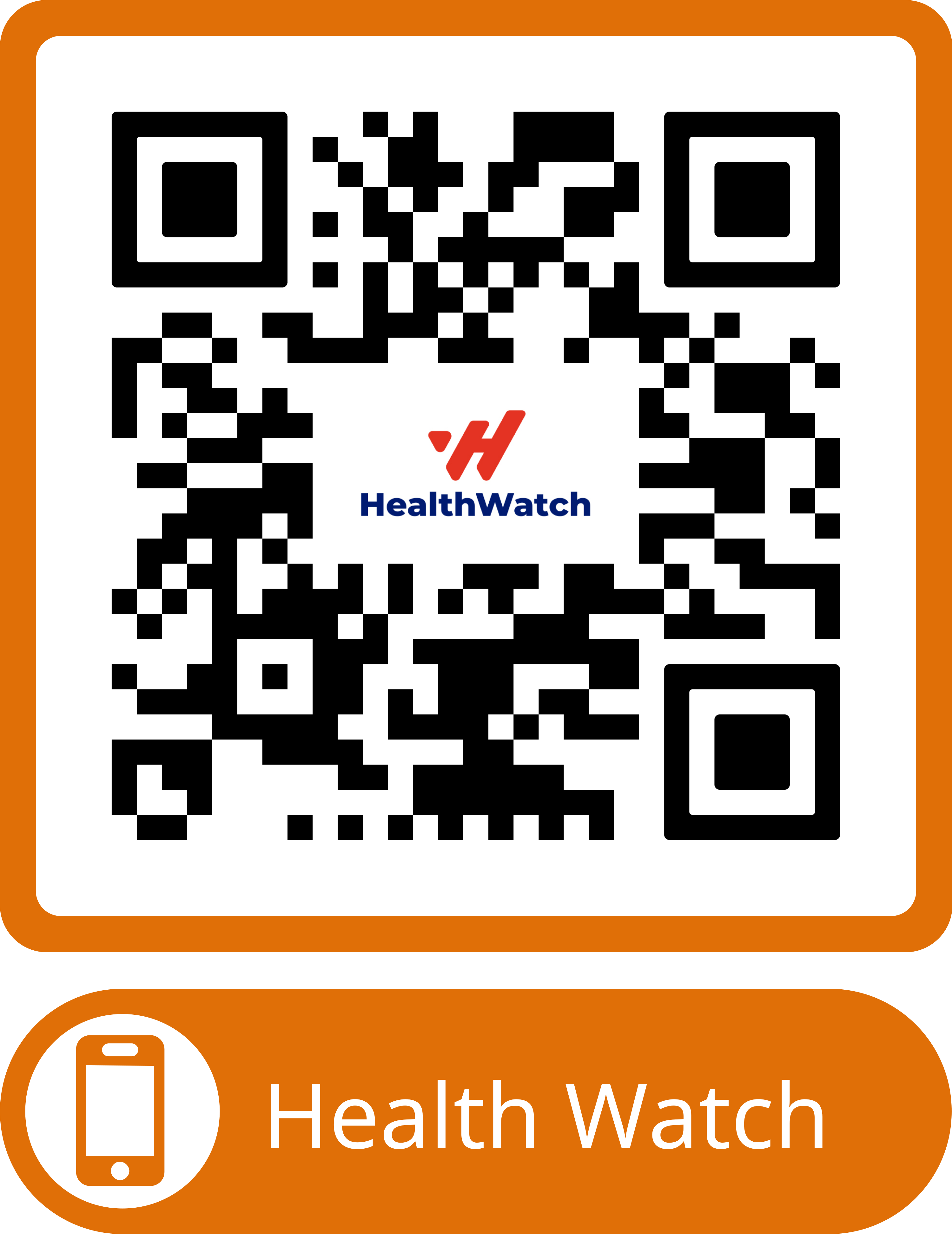
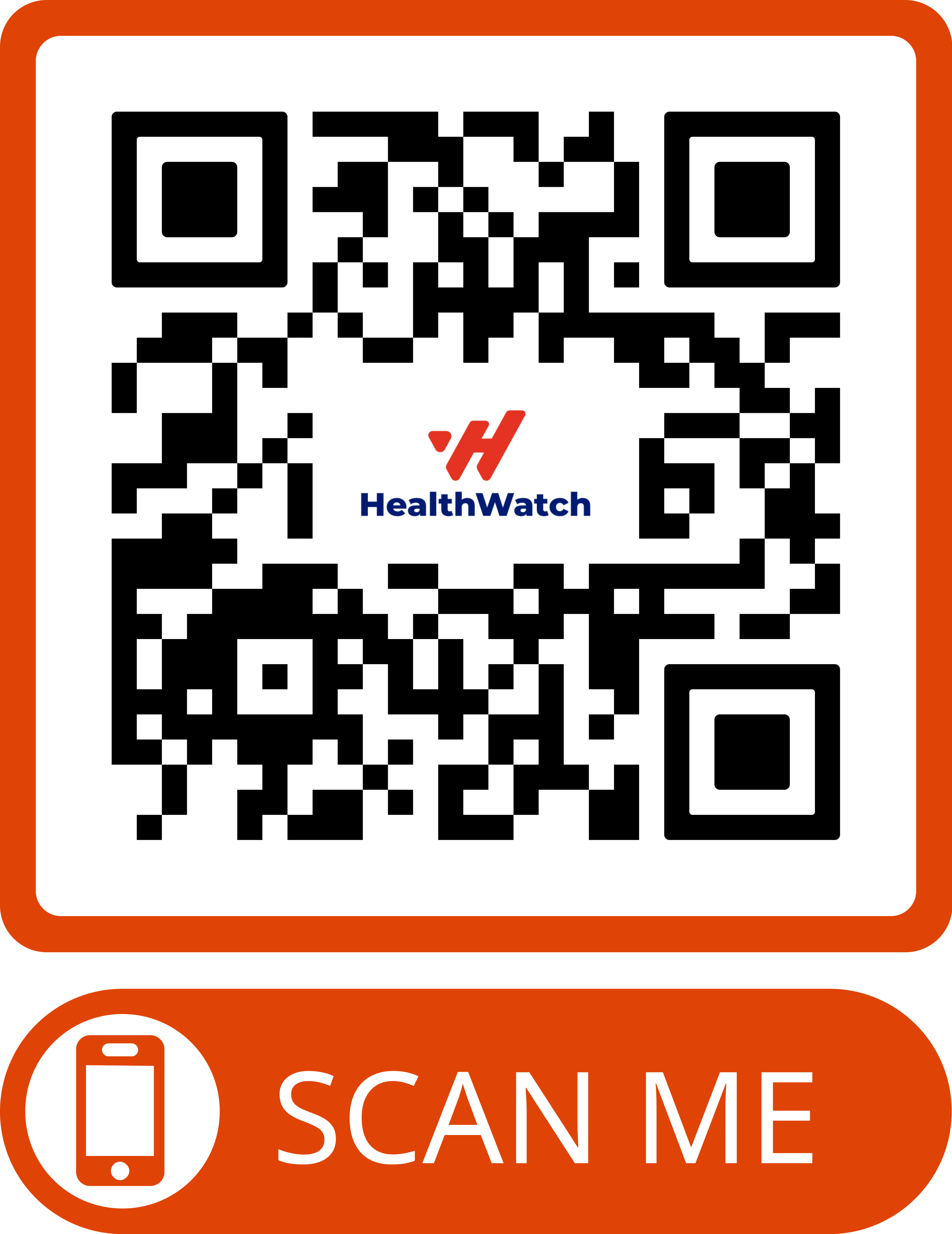
Available on Android and iOS:
Android:
iOS:
Upload your claim directly from your phone.
a) By Email
Send your completed claim form and documents to: dcare@healthwatch.gr
b) By Phone
Call +30 2313 084 518 or +30 2311 801 618 (Mon–Fri, 9am–5pm, excluding public holidays) to report your claim and receive guidance.
c) Through the DCare Mobile App
Available on Android and iOS:
Android:
- Search “Exelixis” in Google Play
- Tap EXELIXIS SOFTWARE
- Open Health Watch app
iOS:
- Search “HWA Mobile” in the App Store
- Download the app and log in
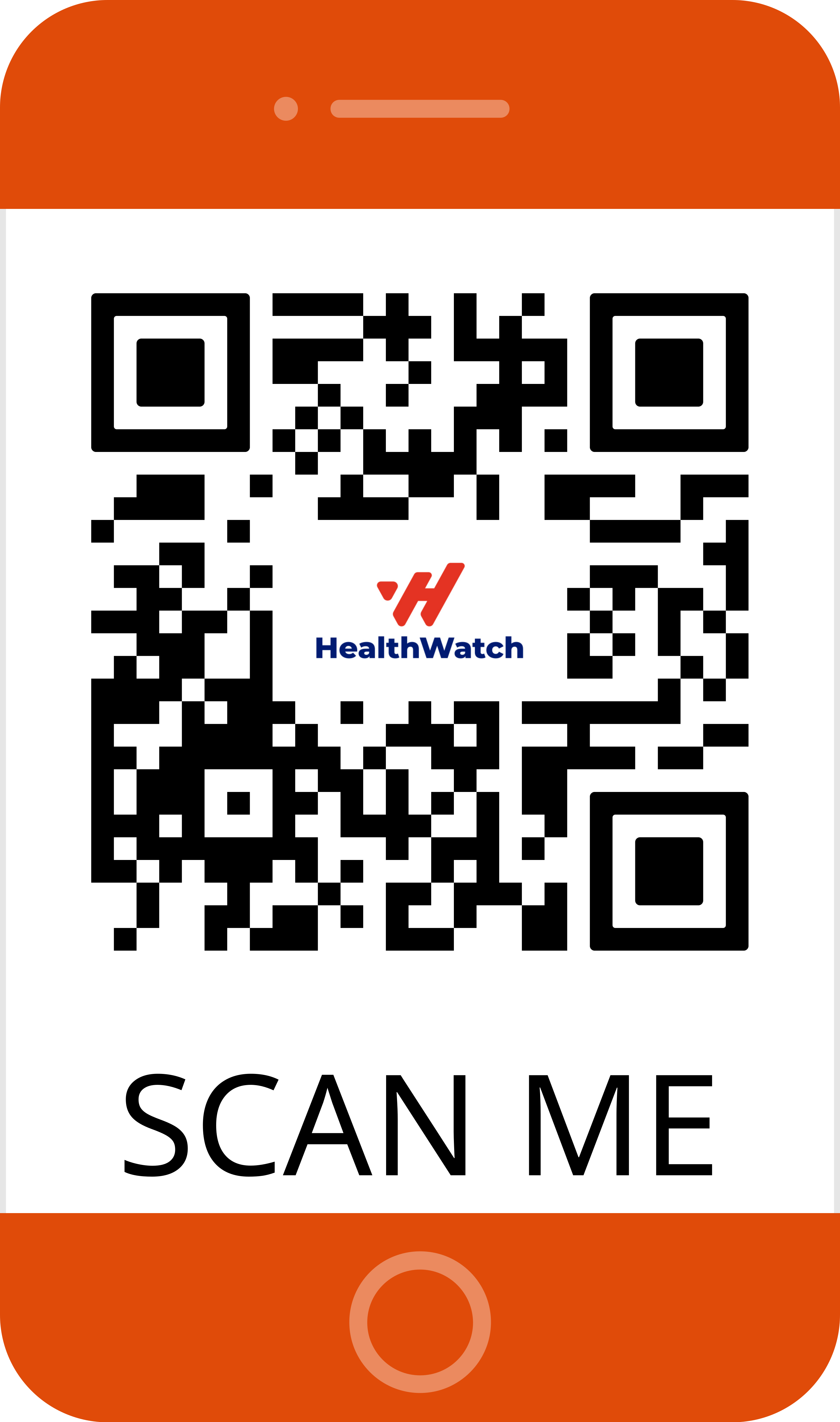
For Android devices:For iOS devices:For Huawei devices:
Upload your claim directly from your phone.
Step 4: Track Your Claim
Check your claim status in the app or contact DCare support.
Keep copies of all submitted documents for your records.
Keep copies of all submitted documents for your records.
Step 5: Respond Quickly if We Contact You
If anything is missing or unclear, we’ll reach out.
Reply as soon as possible to avoid delays.
By following these simple steps, you’ll ensure your claim is processed smoothly and your benefits reach you faster.
Reply as soon as possible to avoid delays.
By following these simple steps, you’ll ensure your claim is processed smoothly and your benefits reach you faster.